




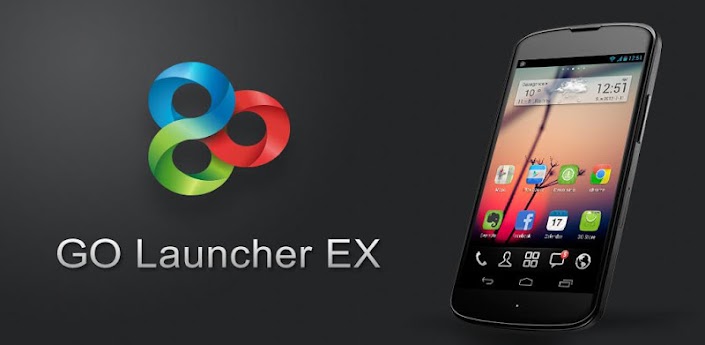
Key Features:
☆ Extremely smooth transition animation
☆ Smooth flipping operation
☆ More than 5000 personalized themes
☆ Amazing custom gestures feature offers you more convenience and fun
☆ Various GO widgets (weather, switcher, calendar…)
☆ Efficient and strong app management function, including sorting, hide app, search, cleaning memory and refresh.
New features:
- Supports GO Launcher super themes (more homescreen effects),the last pic above is our "Dryad Super Theme".(Search "Dryad" in google paly, it's free to download)
- Draw patterns to active apps (double click on home screen to active custom gesture)
- Squeezing effect of icons and widgets (Jelly Bean style)
Tips
1. How to get themes, widgets and lockers?
a) Search ‘go launcher theme’, ‘go widget’ or ‘go locker’ in Android Market.
b) Use GO Store via menu button in GO Launcher.
2. How to set transition animation?
Use ‘Effects settings’ via button in GO Launcher.
3. Icons are too small?
Use ‘Icon Size’ option in ‘Preferences->Visual settings->Icons’ to make icons bigger.
3. Long press the app icon to enter editing mode on home screen and app drawer.
4. Glide up to open menu and glide down to pull down notification.
5. The widgets in the screenshots belong to GO Widget, attainable from Android Market or GO Store.
6. File browser can be found in the lower left of app drawer.
7. Process management feature is found down the running tab of app drawer. Clicking the broom icon and clean the memory.
Important:
1. GO Launcher is a totally free app without any charge.
2. If you cannot set ‘GO Launcher’ as the default home app, download ‘Home Manager’ to fix it.
3. ‘DIRECTLY CALL PHONE NUMBERS’ permission?
It's required by the feature to create shortcuts of ‘person’ and ‘direct dial’. GO Launcher won't make unattended phone call and cost your money.
5. ‘READ CONTACT DATA’ permission?
It's required by the feature to create 'person' shortcut as well as to add contact folder.
Vie won Play Store: https://play.google.com/store/apps/details?id=com.gau.go.launcherex
Please read the Disclaimer before downloading the app.


